> For the complete documentation index, see [llms.txt](https://ooju.gitbook.io/defi/llms.txt). Markdown versions of documentation pages are available by appending `.md` to page URLs; this page is available as [Markdown](https://ooju.gitbook.io/defi/dashboard/register-consultant.md).
# Register Consultant
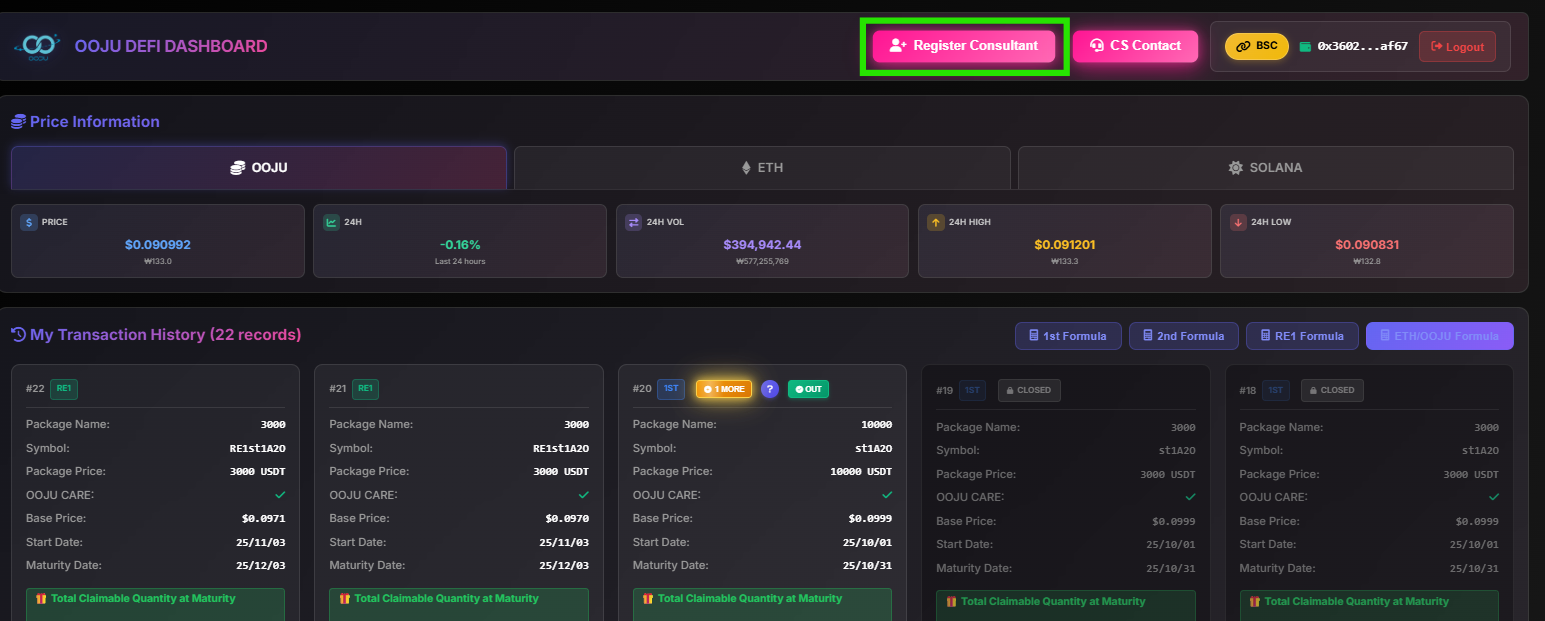
1. After logging into your Dashboard account, click on Register Consultant
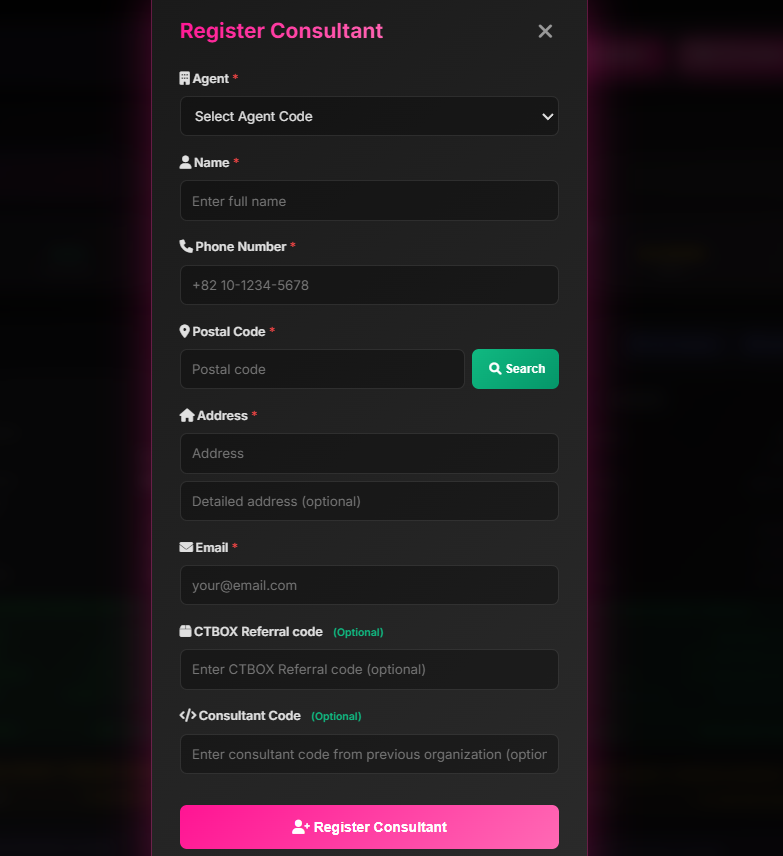
2. This is the page to register the consultant you need to enter the agent code and your own
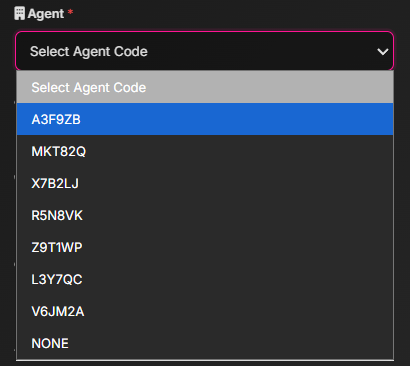
3. Enter your agent code
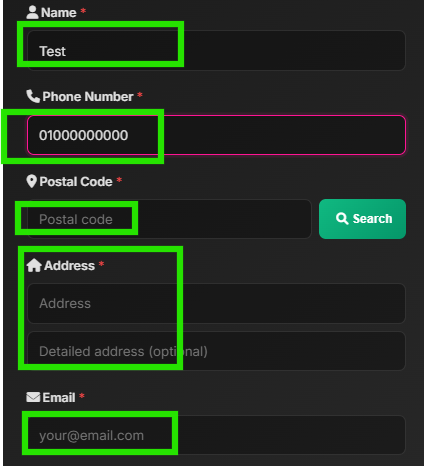
4. Enter your information
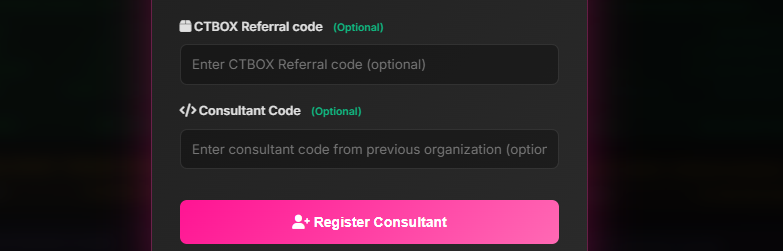
5. After entering all your information you may also **your** CTBOX Referral Code or Consultant Code, these are both optional. After completing every field click on Register Consultant to process the information
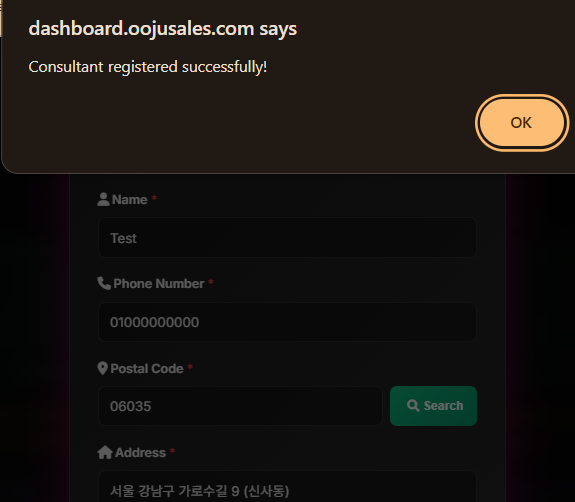
6. After clicking on Register this page will be shown!